- This is a no-cost way to run an ATS resume scan test using tools you already have: Word, Google Docs, and a plain text editor.
- You will learn what each test can prove (Parsing) and what it cannot prove (Matching), so you do not “fix” the wrong thing.
- You will leave with a pass-fail checklist, common red flags, and targeted fixes that keep your resume readable for both ATS and humans.
The problem with most ATS checks
I have watched smart candidates get pulled into a weird spiral: They upload a resume, see a score, panic, and then start rewriting everything. Half the time, the “score” is not even measuring the thing that actually blocked them.
One candidate I worked with, Martha, had a clean background and strong results. She was applying for operations roles and kept hearing nothing back. She assumed it was “keywords” and tried stuffing terms everywhere. The real issue was simpler: Her template was scrambling the order of her Experience section when it got copied into an application form. The ATS was not rejecting her for being “unqualified.” It was failing to read her timeline correctly.
This guide is a practical way to run a ATS resume scan test without paying for a scanner and without trusting a mystery score. You will test what the system can actually read, then fix only what is broken.
Key Point: Most “ATS-friendly” advice becomes clear once you separate parsing problems (Structure) from matching problems (Content).
What you are really testing: Parsing vs matching
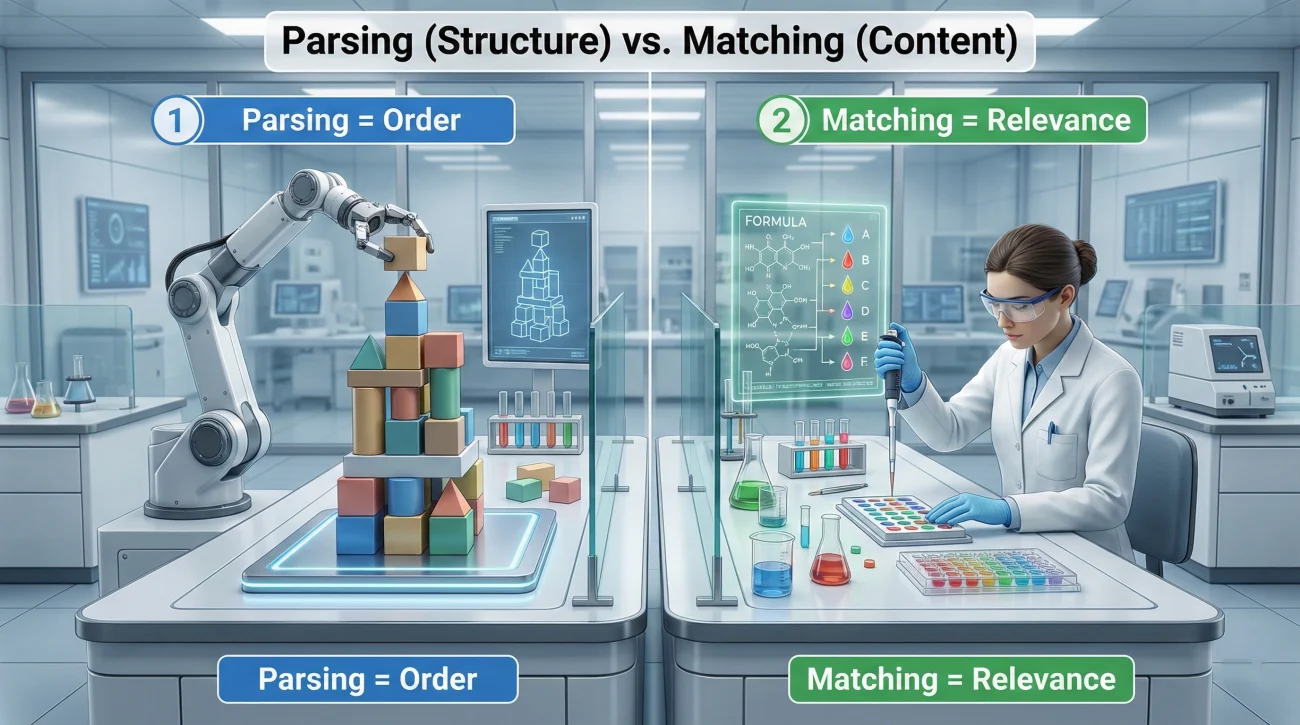
Parsing: Can the system read your resume in the right order?
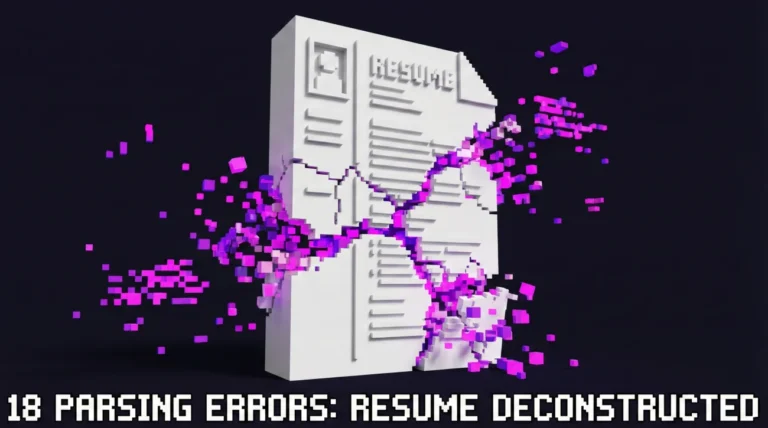
Parsing is the mechanical part. The ATS (or a resume parser inside an application portal) tries to extract your name, contact details, job titles, employers, dates, and bullets. When parsing fails, you see symptoms like:
- Dates drifting to the wrong role
- Job titles merging with company names
- Bullets turning into strange symbols
- Experience appearing out of order
When parsing fails, it does not matter how good your achievements are. The system may store them in the wrong fields, or the recruiter may see a messy profile view.
Matching: Do you look relevant for this specific role?
Matching is the content part. You can have perfect parsing and still lose because your resume does not reflect the requirements that matter for that job. This is where people usually over-focus on keyword lists, even though the bigger issues are often:
- Your titles do not align with the role you want
- Your bullets describe tasks, not outcomes
- Your resume misses “proof signals” for the modern screen (Scope, tools, scale, stakeholders)
💡 Pro Tip: If your resume reads cleanly in plain text but you still get filtered out, your next step is matching, not formatting.
The no-cost tests you can run in 15 minutes
| Test | What it catches | What “pass” looks like |
|---|---|---|
| Copy-paste into plain text | Order problems, hidden columns, text boxes, weird symbols | Headings stay readable, roles stay in sequence, bullets stay intact |
| Application form paste test | Field mapping issues when portals parse and fill boxes | Experience lands in the correct fields with minimal cleanup |
| PDF text selection test | Image-based PDFs, “flattened” exports, unreadable layers | You can highlight and copy text line by line normally |
| Heading consistency test | Non-standard section names that confuse parsing | Clear headings like Experience, Education, Skills |
| Keyword integrity test | Missing core terms or mismatched phrasing | Must-have terms appear naturally in context, not stacked |
Test 1: The plain text copy-paste test (The fastest signal)
This is the simplest version of an ATS scan test you can run. Open your resume, select all, copy, then paste into a plain text editor (Notepad on Windows works well). Your goal is not beauty. Your goal is logical order.
Look specifically for these questions:
- Does your name and contact info appear at the top as a single block?
- Do your headings appear as plain words, not broken characters?
- Does your Experience section appear before Education and Skills (If that is your intended order)?
- Do dates stay attached to the right employer and job title?
What if the text looks “mostly fine” but some bullets are missing?
That usually means your bullet symbol is not standard, or you used a special character that collapses in plain text. Fixing it is often as simple as switching to a basic round bullet or a hyphen bullet and keeping spacing consistent.
Test 2: The application form paste test (The real-world version)
A lot of candidates never see what recruiters see. Many ATS systems parse your file, then present your resume as a profile with separate fields. If the portal offers an “autofill from resume” flow, use it as a test environment.
Copy your Experience section and paste it into the portal’s Experience field. If your roles, employers, and dates become jumbled, that is a parsing symptom even if the PDF looks pretty.
“I thought my resume was clean, but the portal turned my second role into a paragraph under Education. I felt ridiculous.”
A candidate named Jordan said this after a large employer portal mangled his two-column layout. Once we converted the layout into a single-column structure, the same portal suddenly filled fields correctly.
Test 3: The PDF selection test (Avoid “pretty but flat” files)
Open your PDF. Try selecting a sentence with your mouse. Copy and paste it into a normal document. If you cannot select text cleanly, or if words paste as random characters, you likely have a PDF that is image-based or has strange encoding.
⚠️ Warning: If your PDF is essentially a picture, the ATS may treat it like an image and fail to extract meaningful text.
Test 4: The heading consistency test (A quiet deal-breaker)
Most parsers expect a small set of standard section labels. When candidates use creative headings like “Where I Have Been” or “My Journey,” the resume may still be readable to a human, but the parser can misclassify sections.
For your self-check, scan your headings and ask: Would a machine confidently label this as Experience, Education, or Skills? If not, simplify.
Test 5: The keyword integrity test (Match without stuffing)
This is where most people overreact. The goal is not to paste the whole job description into your resume. The goal is to ensure your resume contains the role-critical language in a way that is believable and supported by achievements.
Do this:
- Copy the job post into a separate note.
- Highlight 8 to 12 terms that are truly non-negotiable (Tools, methods, domain requirements).
- Check whether those terms appear in your resume where they belong: Summary, Skills, or bullets that prove you used them.
When candidates ask me how to test ATS resume alignment quickly, this is what I give them: Identify must-have terms, then force yourself to prove each one with a sentence, not a pile of keywords.
Red flags that mean your resume will parse badly
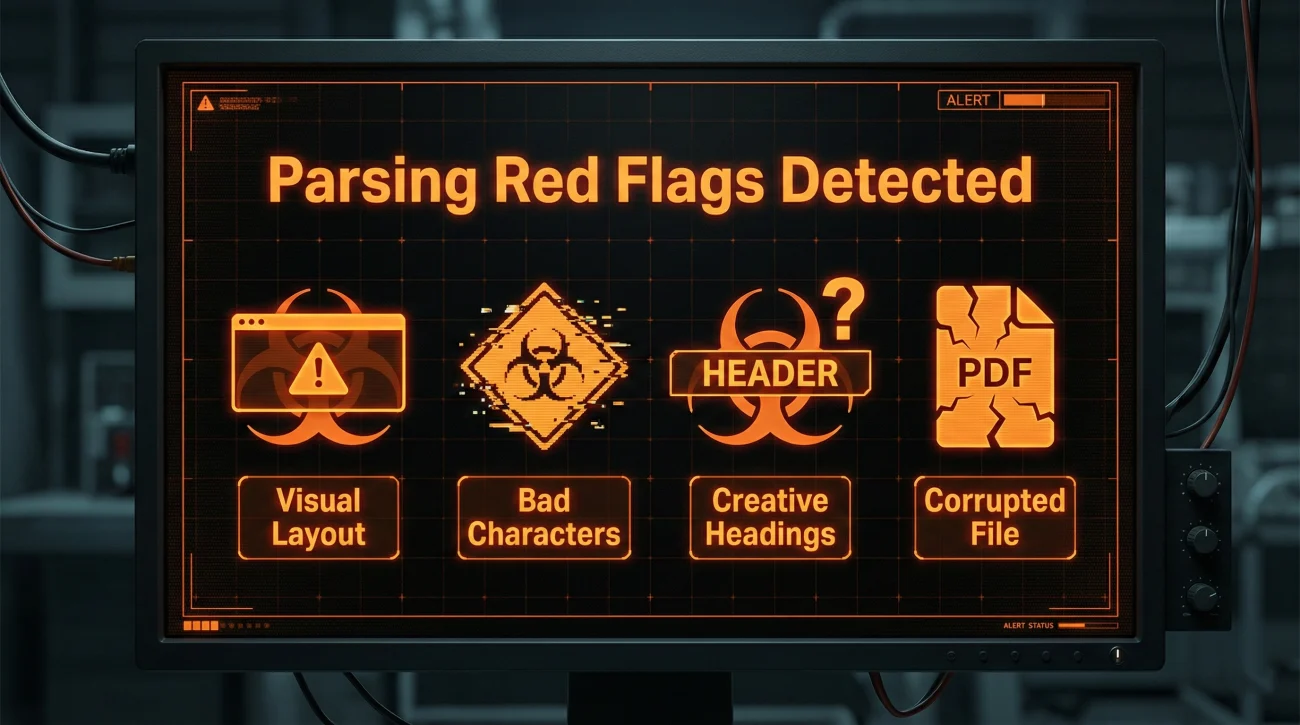
Red flag group 1: Layout that depends on visual structure
ATS systems do not “see” your resume like a recruiter does. They read it like structured text. Anything that relies on visual positioning can create scrambled extraction:
- Two-column layouts where the left column is dates and the right column is content
- Text boxes used for Skills, Summary, or contact info
- Icons that replace words (Phone icon instead of “Phone”)
- Tables used to align skills into neat grids
❌ Note: If your plain text paste shows the left column dumping to the bottom, that is not a minor glitch. It is your timeline breaking.
Red flag group 2: Characters that break clean text
Some fonts and symbols convert poorly. You will notice it immediately if you run the plain text test. Common culprits:
- Decorative bullet symbols
- Unusual separators in dates
- Special characters inside headings
This is also where candidates get tempted by hacks. If you have seen advice to hide text or game the system, skip it. It is not reliable and can backfire when humans review your file.
Red flag group 3: Non-standard headings that confuse mapping
Most parsers are trained on common section names. A creative heading can cause your Experience bullets to land under “Other” or “Summary” fields. That is how a good resume becomes a confusing profile inside the ATS.
Red flag group 4: File issues that make the resume unreadable
Even a perfect layout can fail if the file is broken:
- PDF exported as an image
- Corrupted upload
- Copy-protected or overly compressed files
If you are trying to check if resume is ATS friendly and your PDF cannot be selected and copied cleanly, treat that as an immediate fix-before-you-apply issue.
Targeted fixes: How to repair what your tests revealed
Fix 1: If the order is scrambled, rebuild as a single-column flow
If your Experience appears out of order in plain text, the safest fix is converting your resume to a simple single-column layout. Keep dates on the same line as the employer or job title, aligned with spaces rather than columns.
– Reduced order backlog by 18% by redesigning the weekly dispatch process and adding exception tracking
– Built a dashboard that cut manual reporting time from 3 hours to 30 minutesOperations Coordinator | Northshore Logistics | 2019 to 2022
– Coordinated cross-team scheduling across warehouse, drivers, and customer support during peak season
Fix 2: If headings are misread, use standard labels
If your parser is not recognizing sections, rename them to standard labels. You can still keep your personality in the bullet content. Headings are for clarity, not creativity.
- Use: Experience
- Use: Education
- Use: Skills
- Use: Certifications (If relevant)
Fix 3: If bullets break, standardize your symbols and spacing
When bullets disappear or turn into nonsense characters, simplify. Use one bullet style consistently and keep spacing predictable. If you need emphasis, use strong verbs and results, not fancy punctuation.
Fix 4: If matching is weak, prove requirements instead of stacking terms
This is where many resumes drift into keyword stuffing and start sounding fake. A better approach is “keyword plus proof,” meaning the term appears inside a sentence that demonstrates real use.
💡 Pro Tip: One clean bullet that proves a requirement beats five keywords that float without context.
Fix 5: The 5-minute rescue workflow before you submit
- Run the plain text paste test again after your changes.
- Confirm Experience order is stable and dates attach correctly.
- Check that your contact info is readable as text.
- Confirm your must-have job terms appear naturally in relevant sections.
- Save a clean version and upload that one consistently.
One more real story here because it matters: I had a colleague, Sam, who refused to change his design-heavy resume because “it looks more senior.” When he finally tried the plain text test, the resume read like a shuffled deck of cards. We did not rewrite his career. We just converted the layout. The next week, he started getting screenings again. That is the kind of fix you want: Small, targeted, high impact.
Final
You do not need a paid scanner to find the biggest ATS problems. You need a repeatable way to see what the system can read, then the discipline to only change what is actually broken. If you run the plain text test, the portal paste test, and the PDF selection test, you will catch most structural failures that stop parsing.
After that, spend your energy where it matters: Use real proof in your bullets, not keyword piles. Modern screening is unforgiving in a quiet way, and small format mistakes can hide an otherwise strong story. If you want the bigger picture of what hiring systems reward right now, the best place to anchor your approach is ATS resume scan test thinking inside a modern context checklist, not inside a random score.
❓ FAQ
🎯 Is there a real “ATS compliance” standard?
No. There are best practices that improve parsing and readability, but there is no universal certification. Treat “compliance” language as marketing and focus on whether your resume parses cleanly and matches the role.
🧩 If my plain text looks clean, am I guaranteed to pass ATS?
No guarantee, but it is a strong sign your structure is readable. You still need matching: Your resume must reflect the job’s requirements, and you may still face knockout questions in applications.
📄 Should I upload PDF or Word if I want better parsing?
Follow the application instructions first. If both are accepted, a clean Word file is often safer for parsing. If you use PDF, make sure it is text-based and passes the selection test.
🛠️ What is the quickest way to fix a resume that fails the paste test?
Convert to a single-column layout, remove text boxes and tables, standardize headings, then re-run the plain text test. Fixing order and mapping usually brings the biggest improvement.
🚫 Do keyword hacks like hidden text actually work?
Avoid them. They are unreliable and can hurt you when a human reviews the file. A better approach is adding role language only where you can back it up with proof in bullets.
⚠️ Disclaimer: ResumeSolving provides resume, cover letter, job search communication, and career transition guidance for informational purposes only. Hiring practices vary by employer, role, location, industry, and individual circumstances. We do not guarantee interviews, job offers, ATS results, or other outcomes. Verify employer requirements directly and follow applicable laws and workplace policies. For sensitive situations, use only information you are comfortable disclosing and keep all statements accurate.