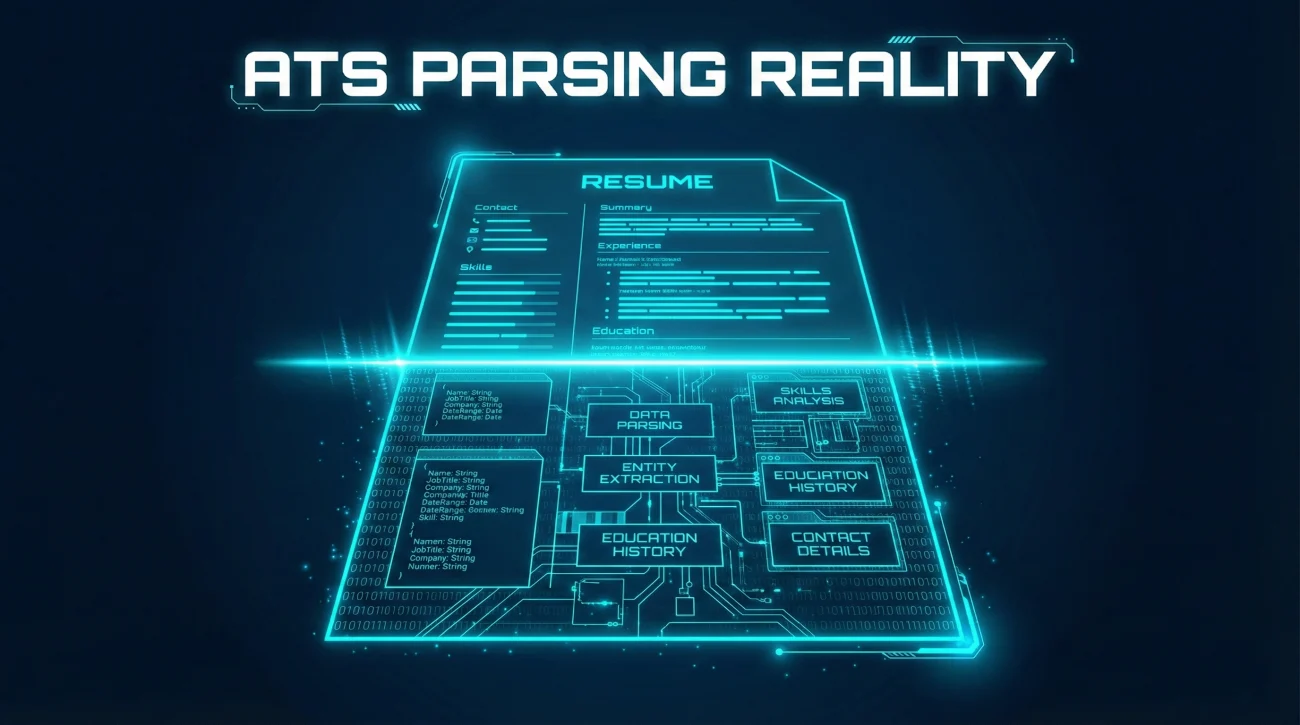
ATS Resume Mistakes: 18 Formatting Errors That Break Parsing (And Fast Fixes)
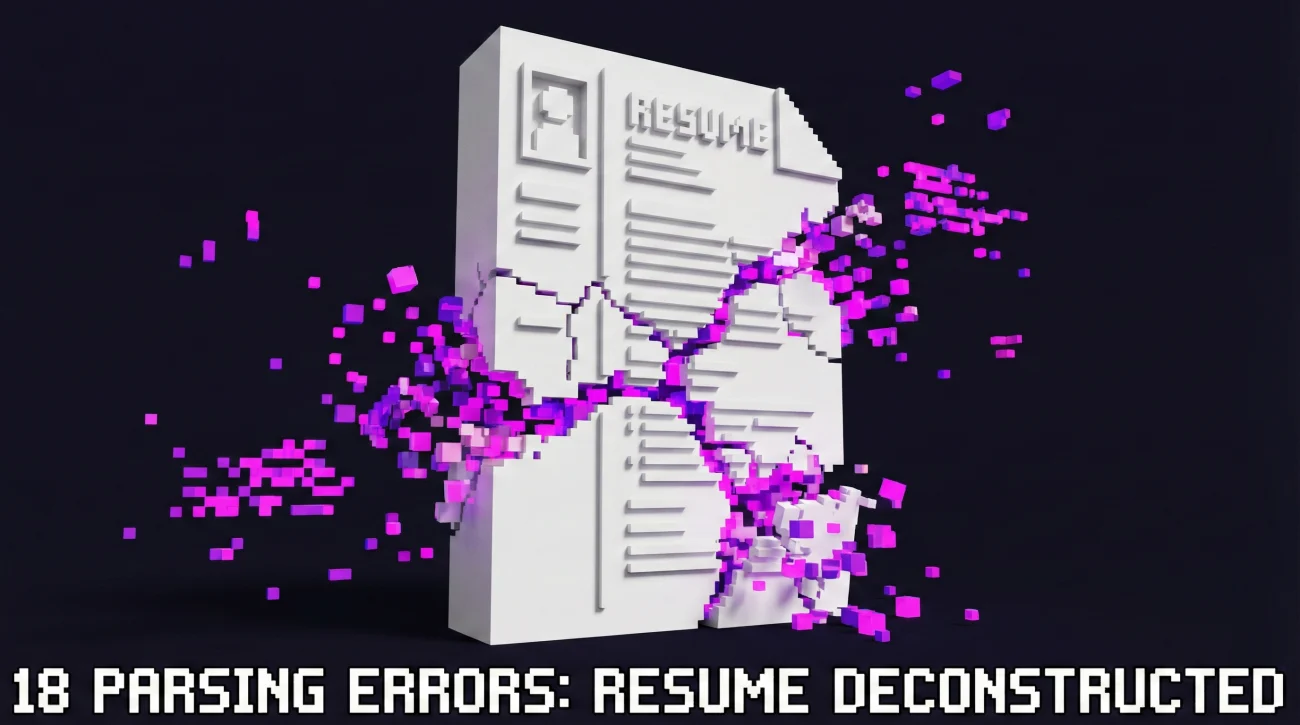
ATS Resume Mistakes

Most “ATS failures” are simple parsing problems: Your content exists, but the system imports it in the wrong order. Use the 18 mistakes list to spot what breaks reading flow, then apply the quick fix that matches your exact layout. Run the 7-minute self-check before you submit: If your resume reads clean in plain text,
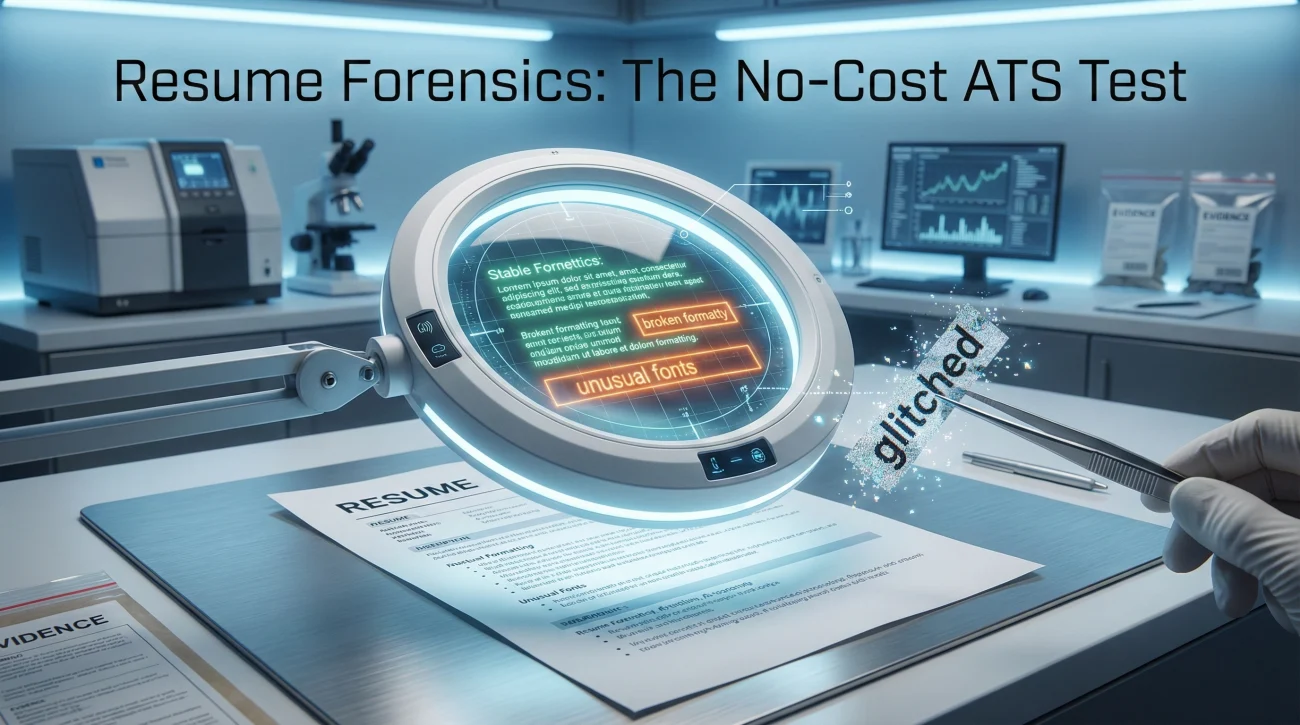
How to Test if Your Resume Is ATS-Friendly Without Any Paid Tools

ATS Resume Scan Test

This is a no-cost way to run an ATS resume scan test using tools you already have: Word, Google Docs, and a plain text editor. You will learn what each test can prove (Parsing) and what it cannot prove (Matching), so you do not “fix” the wrong thing. You will leave with a pass-fail checklist,

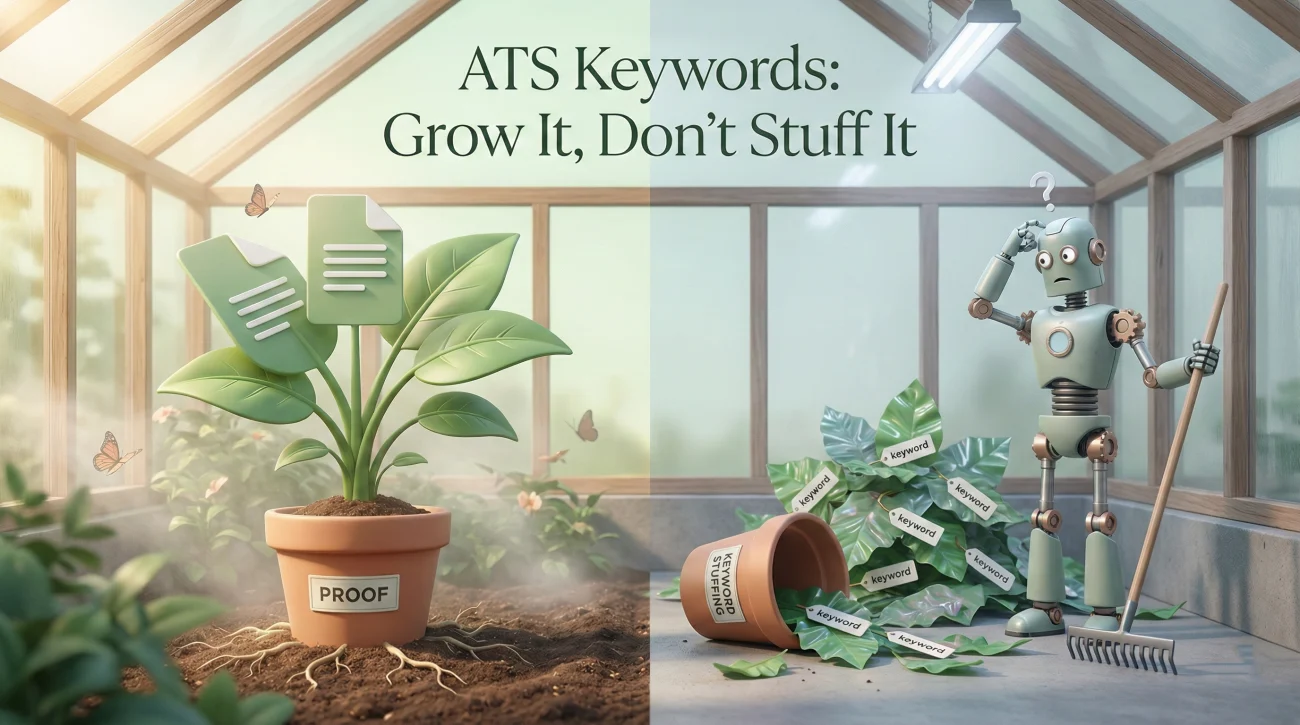
ATS Keywords: How to Match the Job Post Without Sounding Fake

ATS Resume Keywords

You do not need “more keywords.” You need the right words in the right places, tied to proof. Use 10 mirror points to match a job post naturally without copying its voice or inflating your skills. Run a “human read” test: If a recruiter can circle three lines that feel pasted, you have crossed into

Special Characters in ATS: Bullets, Symbols, and Weird Spacing That Break Parsing

Special Characters ATS Resume

If your bullets or symbols turn into squares, it is usually a character encoding or font substitution problem, not “bad content.” Most ATS “weird parsing” comes from invisible spacing, tabs, smart quotes, ligatures, and copy paste artifacts, not just fancy icons. Use a short safety routine: standard bullets, standard punctuation, left alignment, and a plain

Tables, Text Boxes, and Icons: The Stuff That Breaks ATS Parsing (And What to Use Instead)

Resume Tables And Text Boxes ATS

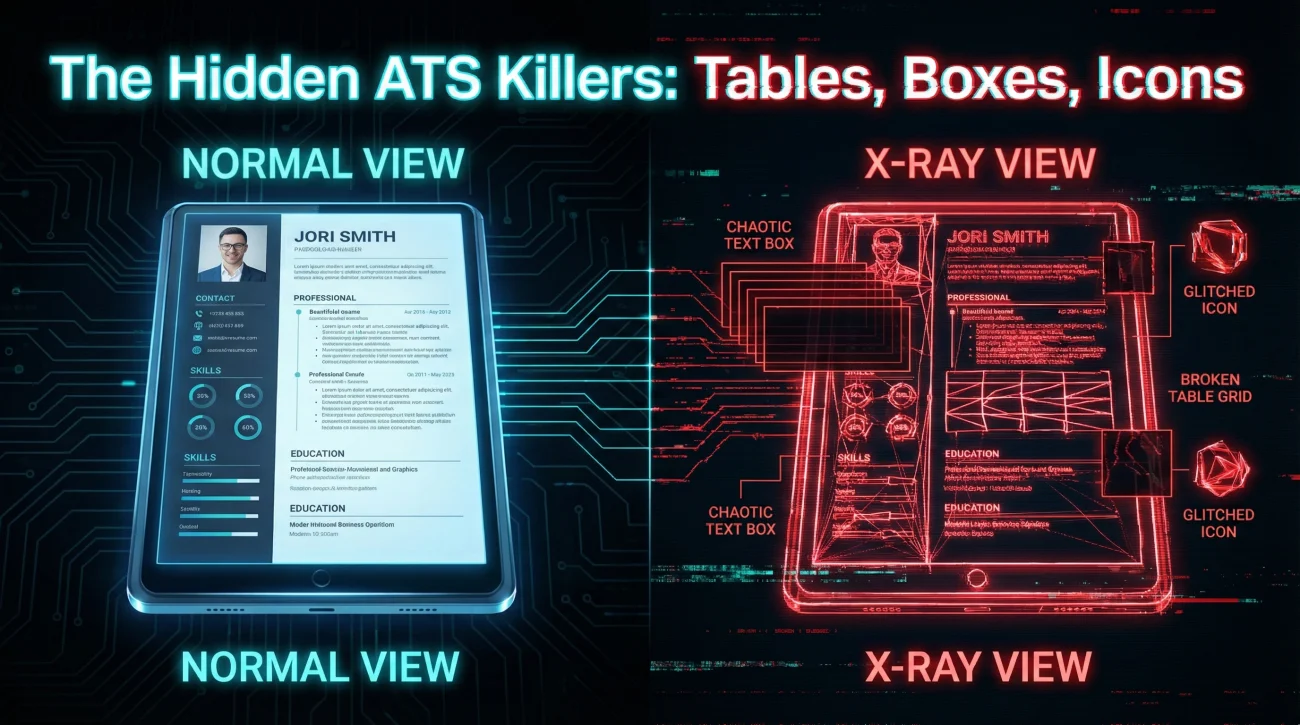
If you use tables, text boxes, or icons, your resume may look fine to you but arrive as scrambled text to an ATS. The fastest check is a copy-paste test: If your dates and titles jump around, your layout is doing the damage. You do not need a boring resume to be ATS-safe: You need

Two-Column Resumes and ATS: When It Breaks and Safer Alternatives

Two-column Resume ATS

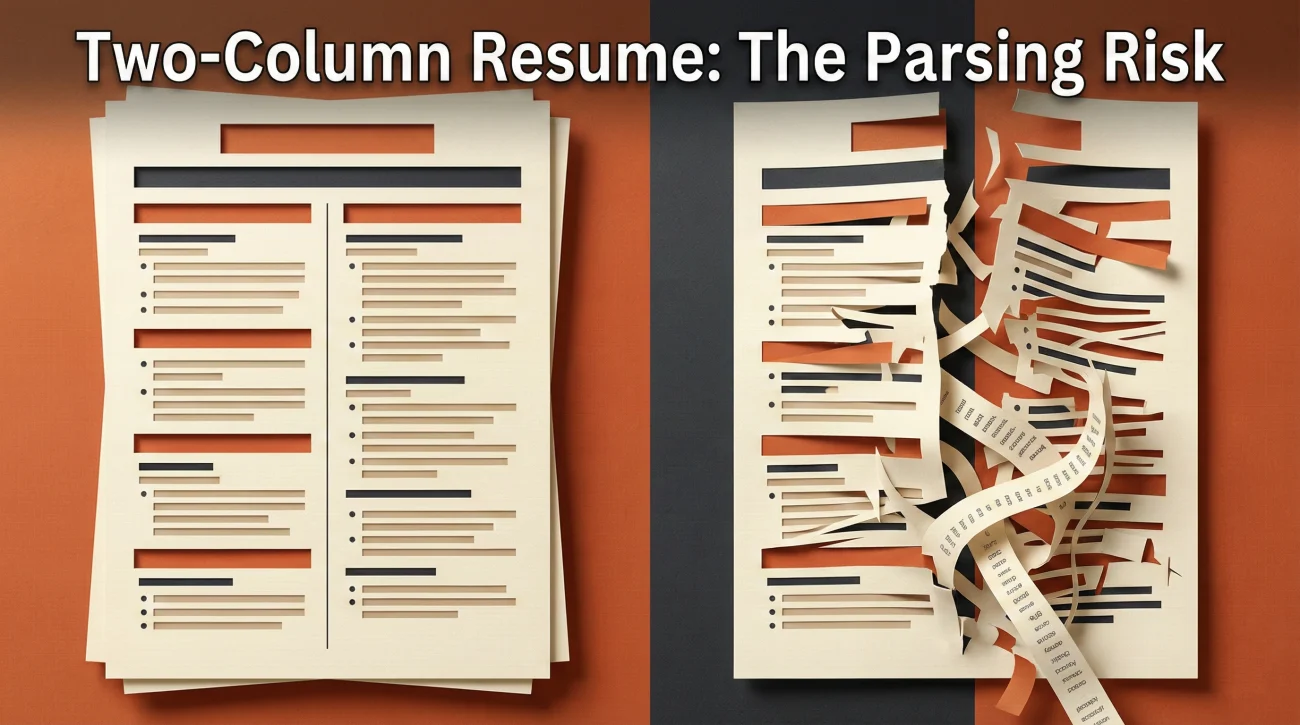
  Two-column layouts do not fail because they are “two columns”. They fail because of how the columns are built and how the ATS converts your file into plain text. Use a simple risk check: If your “columns” are text boxes, tables, icons, or Canva-style PDFs, assume the parser will scramble the reading order. If

ATS Resume Headings: Section Names That Parse (And The Ones That Break Your Upload)

ATS Resume Headers

ATS section headings act like anchors. If you rename them creatively, your content may land in the wrong bucket or get ignored. Use a “safe set” of headings for Summary, Experience, Education, and Skills, then add only a few controlled variations when you truly need them. When in doubt, swap fancy labels (“My Journey”, “Expertise”)

PDF or Word for ATS: What to Upload and When

Pdf Or Word For ATS

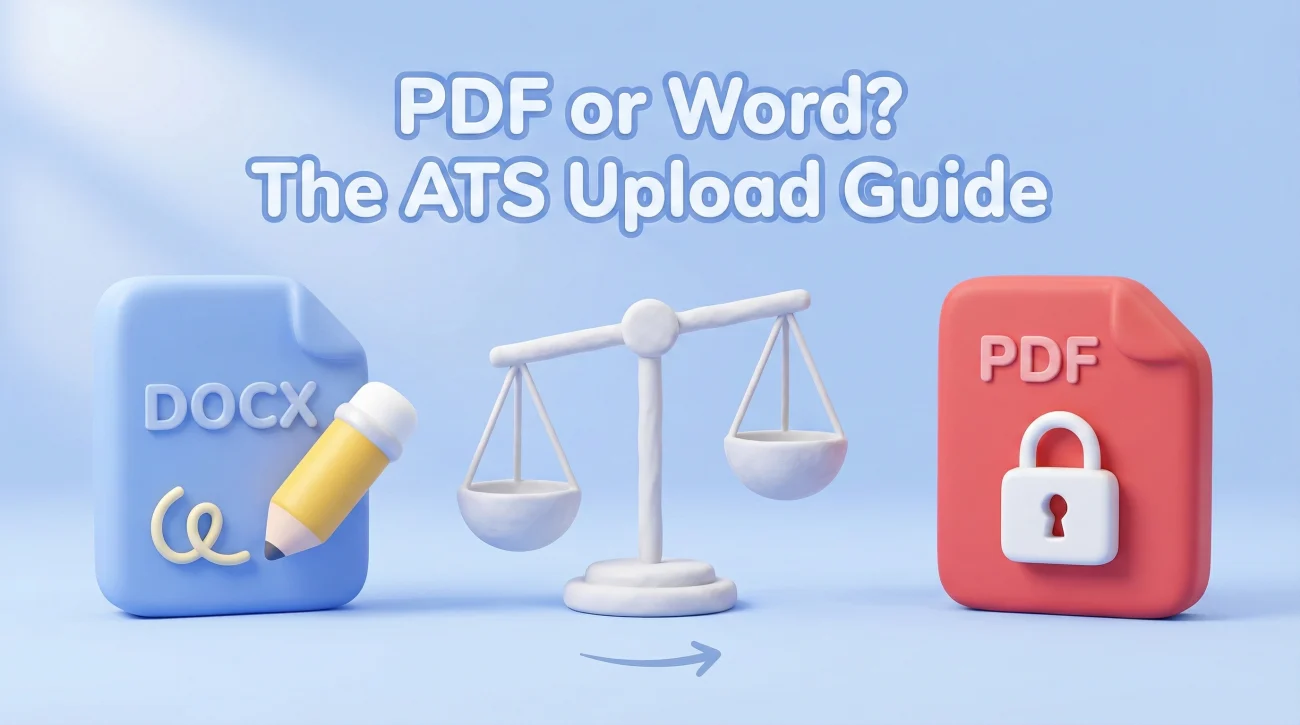
If the application portal tries to auto-fill fields from your resume, DOCX is usually the safer upload. If a human will read it directly (email, referral, recruiter DM), a clean text-based PDF is often the safer presentation. The real enemy is not “PDF vs Word”. It is hidden structure: headers, tables, columns, and PDFs without

ATS-Friendly Resume Format: The Clean Layout That Survives Most Systems

ATS Friendly Resume Format

An ATS-friendly resume format is less about “gaming software” and more about preventing parsing errors that hide your strongest proof. The safest default is a single-column layout with plain text, standard headings, and zero tables or text boxes. Before you submit, run quick reality checks: copy into plain text, scan for missing dates, and confirm

ATS Reality: What the Parser Breaks and How to Stop It

ATS Resume Format

ATS does not reject resumes. It extracts text into fields. When extraction fails, recruiters see scrambled data and move on. The most common parsing failures come from columns, tables, headers, footers, text boxes, and creative section names. A clean single-column layout with standard headings passes almost every ATS. Fancy designs often break. Test your resume