
How to Test if Your Resume Is ATS-Friendly Without Any Paid Tools
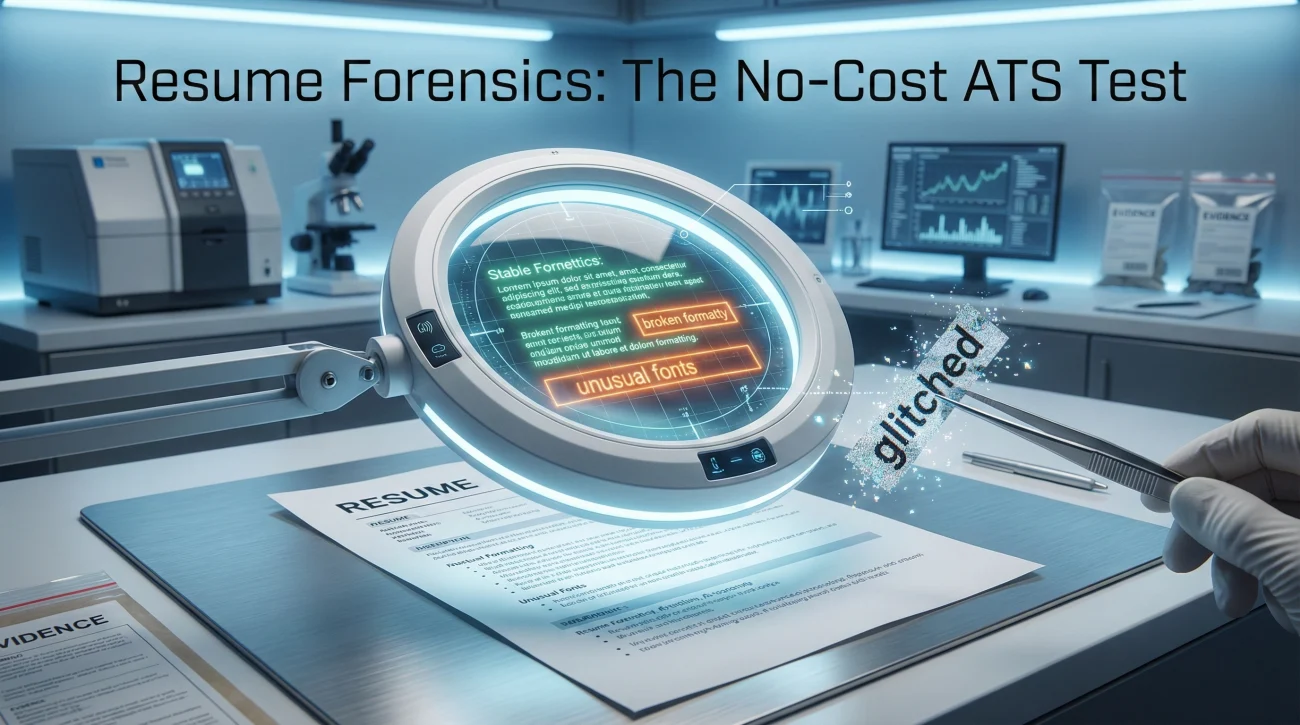
ATS Resume Scan Test

This is a no-cost way to run an ATS resume scan test using tools you already have: Word, Google Docs, and a plain text editor. You will learn what each test can prove (Parsing) and what it cannot prove (Matching), so you do not “fix” the wrong thing. You will leave with a pass-fail checklist,
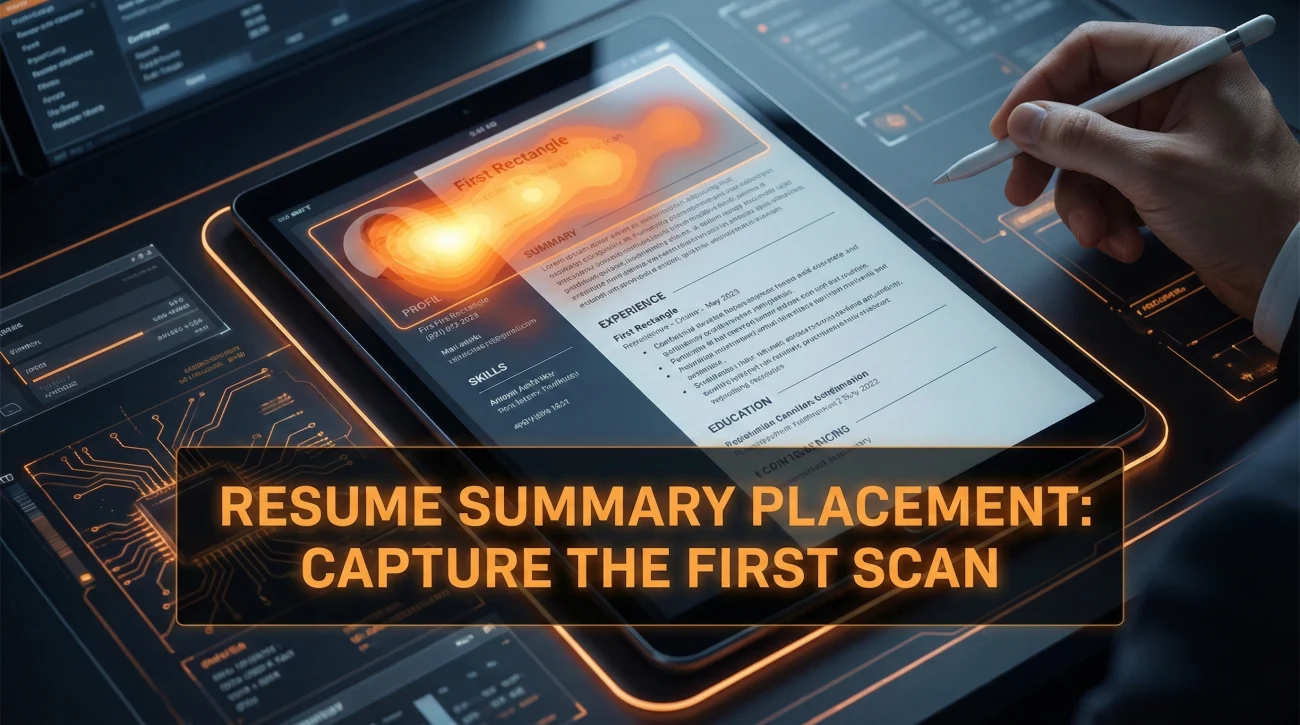
Where to Put a Resume Summary: Placement Rules That Make Recruiters Read It

Where To Put Resume Summary

Your summary only works if it sits inside the first scan path: Contact, headline, summary, proof. Use one of three safe placements: Standard one-column, headline-first, or full-width above a two-column body. If you cannot make it specific in 3 to 5 lines, remove it and let your first bullets do the talking. The Simple Truth:

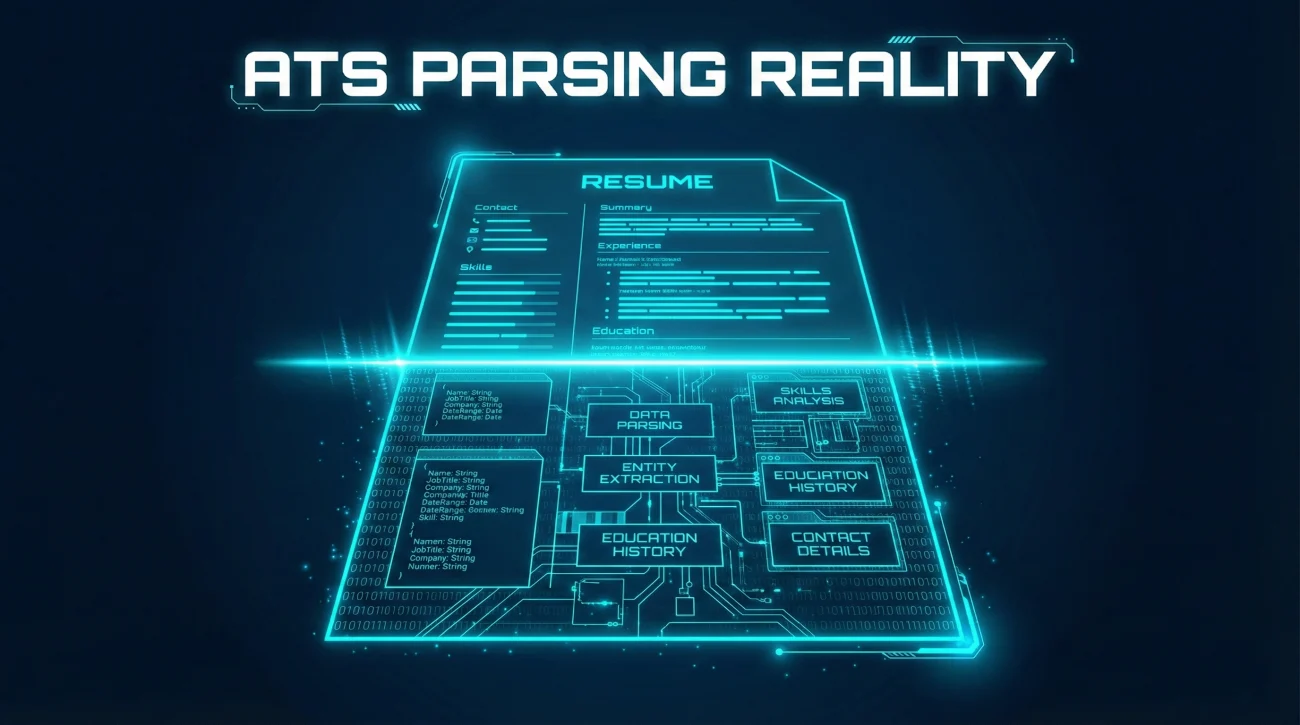
ATS Reality: What the Parser Breaks and How to Stop It

ATS Resume Format

ATS does not reject resumes. It extracts text into fields. When extraction fails, recruiters see scrambled data and move on. The most common parsing failures come from columns, tables, headers, footers, text boxes, and creative section names. A clean single-column layout with standard headings passes almost every ATS. Fancy designs often break. Test your resume