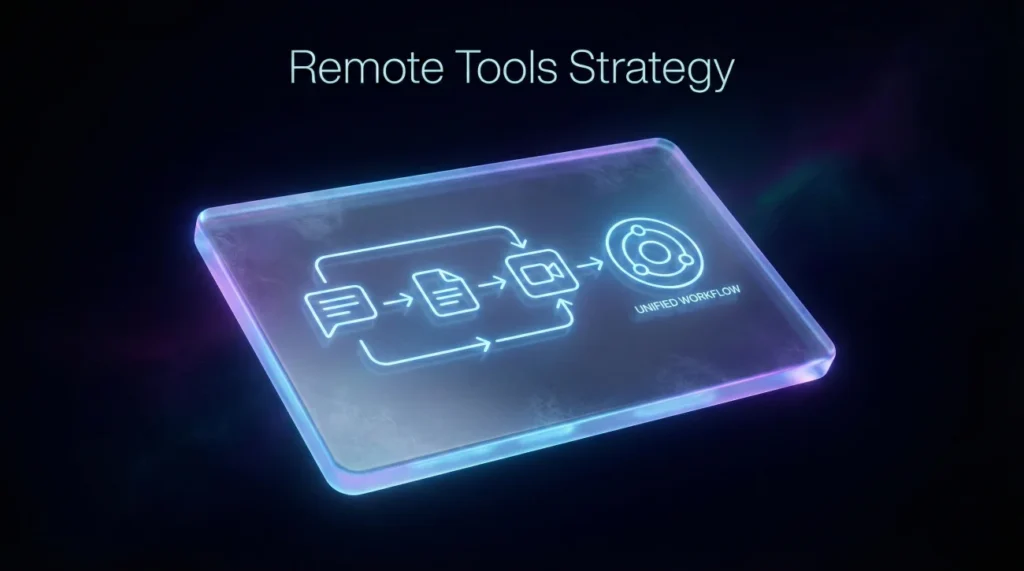
- Tools belong on a resume only when they prove how you work, not as a shopping list of apps.
- The safest rule: Mention tools inside experience bullets tied to outcomes, and only keep a short tools line if the job description clearly asks for it.
- If your tools section reads like “Slack, Zoom, Trello, Asana” with no context, it often looks like noise and can hurt trust.
Why “Tools” Can Help or Hurt in Remote Screening
I once reviewed two resumes for the same remote role, same seniority, same industry. One candidate listed five tools in a neat Skills line. The other candidate barely had a tools section at all. Guess who got the faster callback.
It was the second one, because their bullets quietly proved how they worked: decisions documented, handoffs clean, updates predictable, blockers handled early. They mentioned a tool only where it supported the proof.
This article is about remote collaboration tools on resume strategy, not tool collecting. If you are wondering whether Slack, Microsoft Teams, Jira, Notion, Miro, Confluence, or Zoom should appear on your resume, the answer is: Sometimes. But only in the right place, with the right sentence, for the right signal.
Think of tools as a receipt. A receipt is useful when it supports a story. A pile of receipts is just clutter.
🗝️ Key Point: A hiring manager rarely hires you because you “know Slack.” They hire you because your resume proves you can coordinate work remotely without creating confusion.
What Recruiters Are Actually Testing When They See Tools
Most candidates assume tools are a “hard skill” signal. In remote hiring, tools are often a proxy signal for something else.
The hidden questions behind the tools list
When I screen remote candidates, I am not thinking: “Do they know Zoom?” I am thinking:
- Will this person keep work visible when nobody is in the same room?
- Can they write updates that prevent back and forth messages?
- Do they know how to hand off work so the project does not stall?
- Can they operate asynchronously without going silent?
A tools mention becomes powerful when it answers one of those questions in a single line.
A real example from a candidate mistake
A candidate named Haley (growth marketing) once told me, “I listed every tool I touched so they know I can work remote.” Her Skills line was a wall of apps. The recruiter feedback was brutal but honest: “Looks junior. Looks like she is trying to sound remote.”
We rewrote two bullets to show outcomes and coordination, and her tool mentions became supporting details instead of the headline. That is the shift we are building in this article.
💡 Pro Tip: If a tool is not tied to a workflow outcome, it is usually safer to remove it than to “hope it helps.”
Decision Rules: Should You Mention a Tool at All?
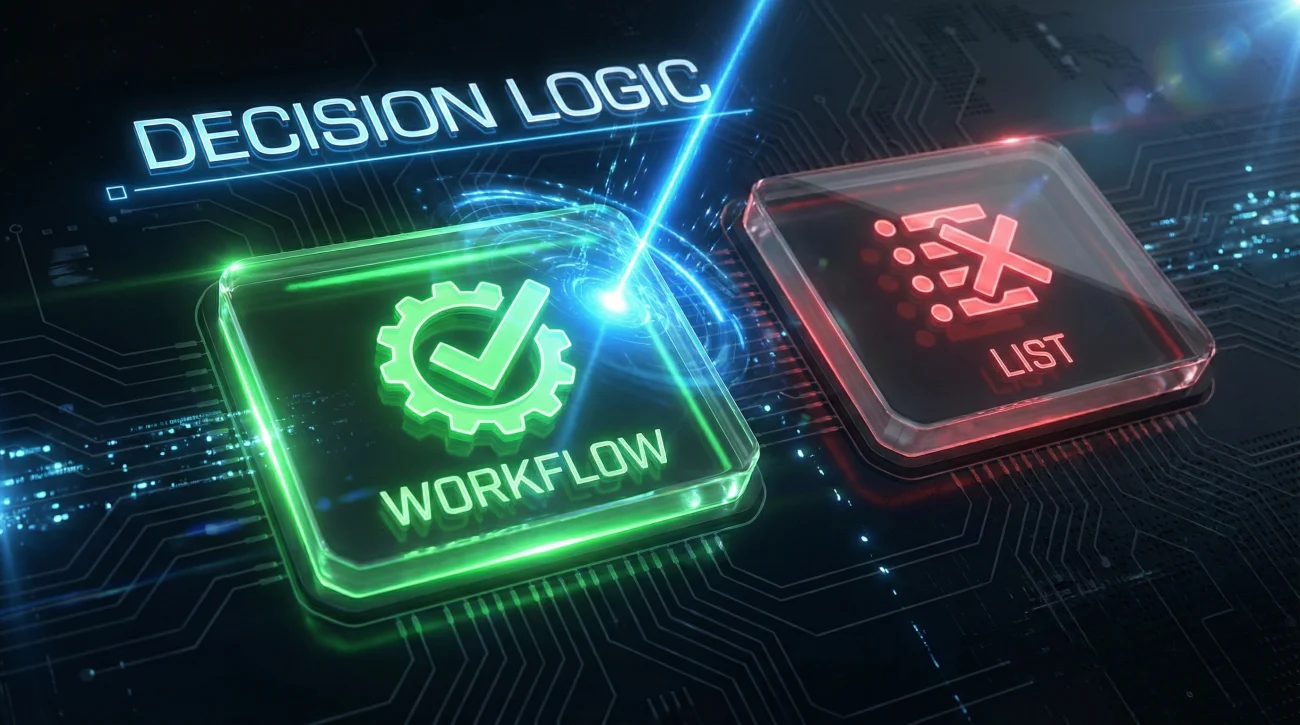
Here is the decision logic I use when helping candidates avoid tool noise. You can treat it like a quick pre-submit check.
The three green lights
- Job description alignment: The tool is explicitly mentioned, or clearly implied by the workflow (example: Jira for Agile product teams).
- Workflow ownership: You owned a system, ritual, or handoff that depended on the tool (example: maintained decision logs in Confluence).
- Outcome linkage: You can tie the tool to an outcome: faster cycle time, fewer errors, fewer escalations, clearer ownership.
The three red flags
- Tool soup: A long list that reads like “Slack, Zoom, Trello, Asana, Notion, Miro…” with no proof line.
- Wrong seniority signal: A senior role resume that spends more space on tools than on decisions, results, and leadership.
- Inflated claim risk: Listing “Admin” or “Expert” for tools you cannot defend in an interview.
⚠️ Warning: If you have never used a tool in a real team workflow, do not list it just because you watched a tutorial. It is one of the fastest ways to lose trust in remote interviews.
Steven, a mid-level PM I worked with, had “Asana, Trello, Jira” stacked together in Skills. We removed two, kept one, and moved the remaining mention into a bullet that proved how he ran cross-team handoffs. His resume got shorter and stronger at the same time.
Where Tools Belong on a Resume (And Where They Usually Look Like Noise)

This is the part most articles skip. Placement changes meaning. A tool in Skills is a claim. A tool inside a result bullet is evidence.
| Placement | What It Signals | Risk | Best Use |
|---|---|---|---|
| Experience bullet | Proof of workflow and outcomes | Low | Best default for most candidates |
| Tools line under a role | Role-specific stack familiarity | Medium | Good when the role is tool-heavy (PM, ops, support) |
| Dedicated Tools section | Inventory mindset | High | Only when the job description heavily filters by stack |
| Summary section | “Selling” the tool | High | Only if the tool is core to the job and you have strong proof |
I tell candidates this sentence because it forces discipline:
[Tool] + [Workflow] + [Outcome]
If your tools mention cannot fit that formula, it likely does not belong.
12 Resume Bullet Examples That Use Tools as Proof
Below are examples that convert tools into remote collaboration evidence. Notice how the tool is never the hero. The coordination is.
Project and product roles
- Reduced cross-team handoff delays by 30% by standardizing Jira ticket templates and weekly decision notes in Confluence.
- Kept stakeholders aligned across three time zones by publishing twice-weekly Notion updates with owners, blockers, and next decisions.
- Improved sprint predictability by tightening backlog grooming rituals and using Jira dashboards to surface scope creep early.
Customer support and operations
- Cut escalations by creating a Slack triage channel structure and an internal knowledge base workflow that shortened first-response time.
- Built a remote onboarding checklist in Notion that reduced new-hire ramp time from 4 weeks to 2.5 weeks.
- Maintained service continuity during a tooling migration by documenting “before and after” workflows and running weekly adoption Q&A sessions.
Marketing, design, and engineering
- Prevented campaign rework by introducing a lightweight approval log and asset handoff process in Asana with clear acceptance criteria.
- Improved design feedback quality by setting structured review rounds in Figma and summarizing decisions in a shared doc after each review.
- Reduced async confusion by posting end-of-day status updates with risks and next steps, keeping threads searchable and decision-ready.
- Accelerated cross-functional launches by centralizing launch checklists and dependencies in a shared workspace and updating weekly.
- Lowered incident recurrence by documenting root causes and remediation decisions in a shared knowledge base with owners and deadlines.
- Improved stakeholder visibility by translating technical progress into a weekly update format: what changed, what is blocked, what needs input.
💡 Pro Tip: If you want to include remote tools resume content without sounding junior, anchor each mention to workflow ownership, not familiarity.
Common Mistakes That Make Tools Look Like Noise
I see these patterns so often that I can almost predict the interview outcome.
Mistake 1: Listing tools as identity instead of evidence
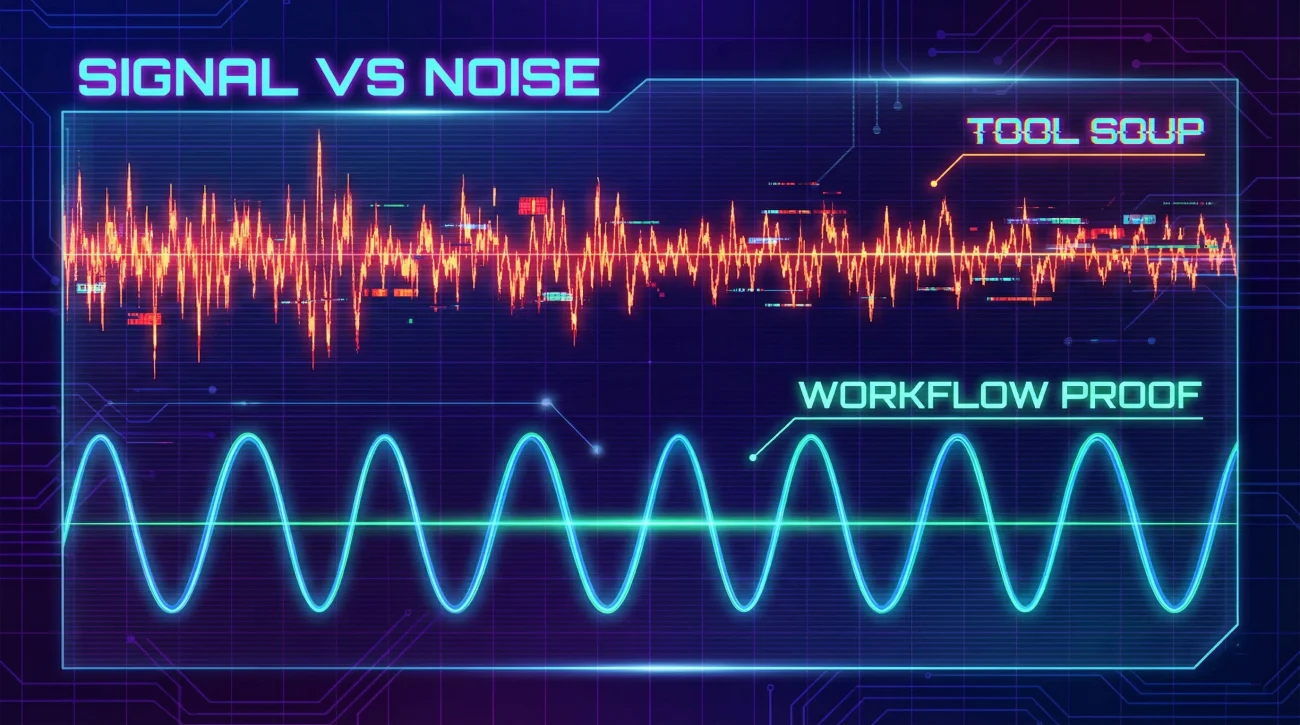
Example: “Slack, Zoom, Trello, Asana” sitting alone in Skills. It communicates: “I know apps.” It does not communicate: “I can coordinate work.”
Mistake 2: Tools that do not match the role’s real workflow
A designer listing Jira is not automatically wrong, but it raises a question: “Did they actually work in that environment, or did they copy keywords?” The fix is simple: only keep it if you can tie it to your workflow and outcomes.
Mistake 3: Overclaiming proficiency
Remote interviews surface tool truth quickly. If you wrote “Advanced Confluence” but cannot explain how you used it to keep decisions clean, you lose credibility fast.
Mistake 4: Repeating the same tools in three different sections
If the same tool appears in Summary, Skills, and Experience, it starts to look like filler. One strong proof line beats three weak mentions.
“Quick question: Can you walk me through how your team tracked decisions remotely? I saw you listed Notion and Confluence.”
That is the kind of question you want, because it means your tool mention triggered a real discussion about how you work. But you only get that question if your resume implies a system, not just an app list.
❌ Note: If your resume looks like a “tool stack flex,” recruiters often assume you are compensating for missing real remote outcomes.
A Simple Template You Can Copy Without Sounding Like a Tool Listicle
Here is a clean way to present tools so they support the story. Use this format when the job is truly tool-filtered, or when your workflow ownership is strong.
Remote Collaboration Proof: Built async handoff rituals that reduced rework and improved cross-team visibility across time zones
Notice how that tools line includes context in parentheses. It is still short, but it tells the reader how you used the tool, not just that you touched it.
💡 Pro Tip: If you are trying to cover collaboration tools resume requirements, the parentheses are your best friend. They compress real meaning into a small space.
Final
If you remember one thing, remember this: tools are not your value. Your ability to keep work moving, visible, and coordinated is your value.
When you treat remote collaboration tools on resume as proof, not inventory, your resume feels calmer and more senior. It reads like you have done remote work, not like you are hoping to be trusted with it.
That shift is subtle, but it is often the difference between “nice resume” and “I want to talk to this person.”
❓ FAQ
✅ Should I put Slack and Zoom in my Skills section?
If you do, keep it minimal and only when the role clearly expects those tools. In most cases, one strong experience bullet that uses the tool as evidence is more credible than a Skills-only claim.
🎯 How many collaboration tools is too many to list?
If it looks like a shopping list, it is too many. A short set of role-relevant tools with brief usage context beats a long list with no proof. Prioritize what matches the job description and your actual workflow ownership.
🧩 Where to mention collaboration tools on resume?
The safest place is inside experience bullets tied to outcomes. If needed, add a short tools line under the role with parentheses showing how you used each tool. Avoid repeating the same tools across multiple sections.
🚫 Is it bad to list tools I only used briefly?
It can be. If you cannot defend the tool in an interview with a real workflow example, it risks lowering trust. Instead, list the tools you used deeply enough to connect to results and team coordination.
🛠️ What are good remote collaboration software resume examples?
The best examples show Tool + Workflow + Outcome. For instance: “Standardized Jira ticket templates and reduced handoff delays,” or “Published weekly Notion updates that improved stakeholder clarity across time zones.”
⚠️ Disclaimer: ResumeSolving provides resume, cover letter, job search communication, and career transition guidance for informational purposes only. Hiring practices vary by employer, role, location, industry, and individual circumstances. We do not guarantee interviews, job offers, ATS results, or other outcomes. Verify employer requirements directly and follow applicable laws and workplace policies. For sensitive situations, use only information you are comfortable disclosing and keep all statements accurate.