- Dates are signals, not just facts. Every format choice communicates something about stability, honesty, and attention to detail.
- Month/Year is standard for employment. Year-only raises questions. Exact days are unnecessary and look odd.
- Education dates over 15 years old can be removed. Recent graduates should keep them.
The Hard Rules
These are not suggestions. Violating them creates problems.
Rule 1: Consistency across the entire resume.
If your first job shows “January 2018 – March 2020” then every job must use the same format. Mixing “Jan 2018” with “2018-2020” with “January 2018” looks sloppy and raises questions about what you are hiding in the inconsistent entries.
Rule 2: Dates must be verifiable.
Background checks confirm employment dates. If you list March 2019 and the company reports May 2019, you have a problem. Round to the nearest month you can verify, not the one that looks better.
Rule 3: No future dates on current roles.
“June 2022 – Present” is correct. “June 2022 – December 2025” for a job you still hold is bizarre and raises questions about your judgment.
Rule 4: Gaps exist whether you acknowledge them or not.
Leaving dates vague does not hide gaps. It highlights them. A recruiter who sees “2019” and “2021” with nothing between will assume the worst about what happened in 2020.
Rule 5: ATS systems parse dates literally.
Creative date formats (“Spring 2020,” “Q3 2019,” “Late 2018”) confuse parsing software. Stick to standard formats that machines can read.
Format Decision Tree
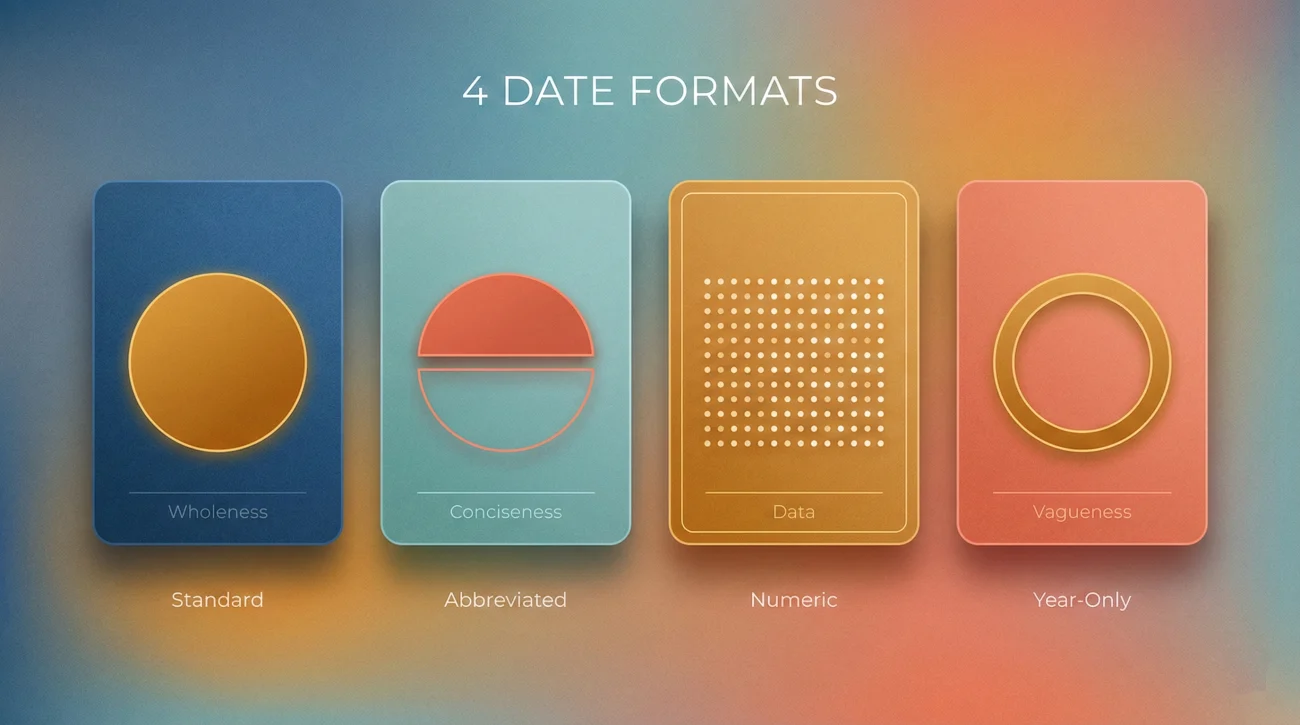
Choose your format based on your situation, then apply it consistently:
Standard Professional (Recommended)
January 2016 – February 2019
June 2014 – December 2015
Full month name, four-digit year. Clean, professional, unambiguous. Works for most situations.
Abbreviated Professional
Jan 2016 – Feb 2019
Jun 2014 – Dec 2015
Three-letter month abbreviation. Saves space while maintaining precision. Good for dense resumes.
Numeric Format
01/2016 – 02/2019
06/2014 – 12/2015
MM/YYYY format. Compact but slightly less readable. Acceptable but not preferred.
Year-Only (Use Cautiously)
2016 – 2019
2014 – 2015
Hides specific months. Use only when you have legitimate reasons and are prepared to explain. Recruiters notice and often assume you are hiding short tenures or gaps.
Employment Dates: Six Scenarios
Scenario 1: Standard full-time role.
Use Month/Year format. “March 2019 – August 2022” tells the complete story. No special handling needed.
Scenario 2: Current role.
End date is “Present” or “Current.” Update your resume when you leave – a resume showing “Present” for a job you left six months ago looks like you forgot about it or are hiding something.
Scenario 3: Short stint under 6 months.
Still use Month/Year. Switching to Year-only to hide a 4-month tenure backfires when the background check reveals exact dates. Better to show “January 2023 – April 2023” and have an explanation ready than to look like you were hiding something.
Scenario 4: Contract or temporary role.
Add the label. “March 2020 – September 2020 (Contract)” explains the short duration and sets appropriate expectations. Without the label, a 6-month role looks like a failure.
Scenario 5: Multiple roles at same company.
Show the overall company tenure plus individual role dates:
TechCorp Inc. | March 2018 – Present
Senior Product Manager | January 2021 – Present
Product Manager | June 2019 – December 2020
Associate PM | March 2018 – May 2019
Scenario 6: Overlapping roles.
Legitimate overlaps (moonlighting, transition periods, part-time work) are fine to show. If you held two jobs simultaneously, list both with their actual dates. If questioned, explain: “I was transitioning between roles” or “The consulting work was part-time alongside my full-time position.”
Timeline Strategy by Career Stage
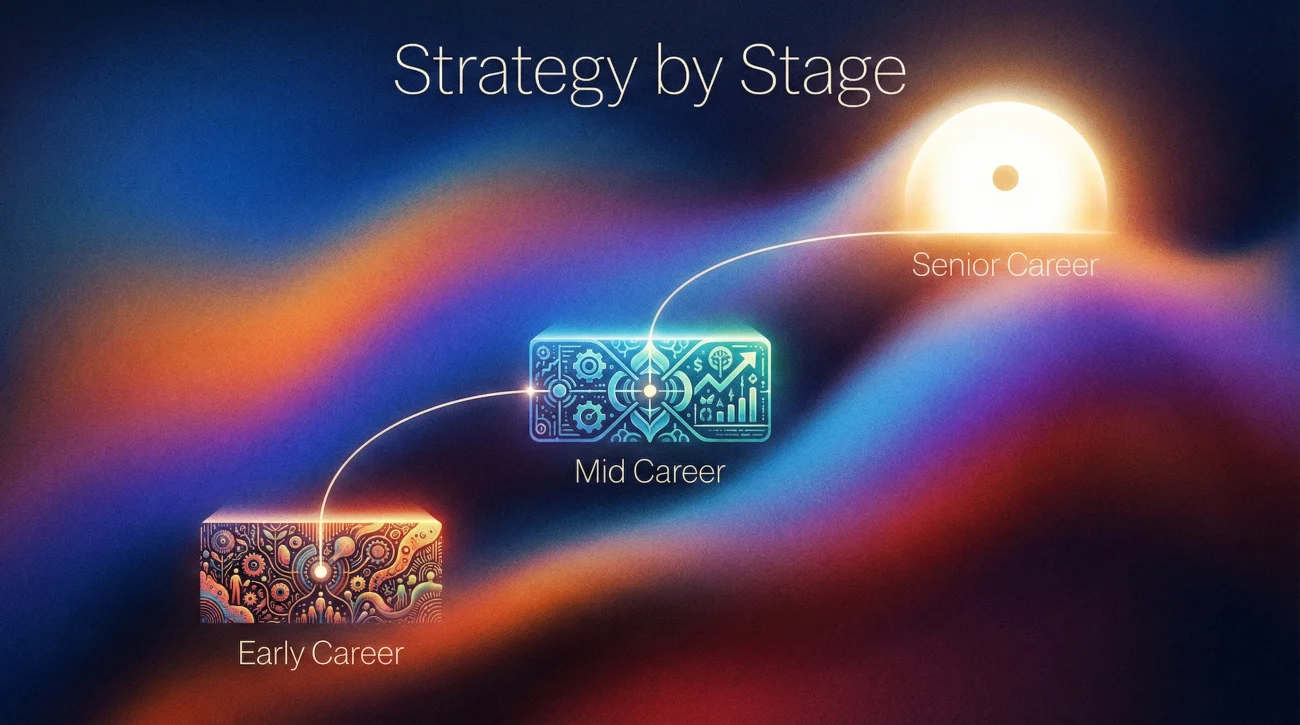
Your approach to dates should shift as your career progresses:
Early Career (0-5 years):
Include all dates precisely. Your limited history means every month matters. Internships with dates. Part-time work with dates. Education with graduation year. Nothing is too minor to omit at this stage because you need every entry to build credibility.
Mid Career (5-15 years):
Full precision on recent roles (last 10 years). Earlier roles can shift to year-only if needed. Start evaluating whether very old internships still serve you. Education dates still generally appropriate but becoming optional.
Senior Career (15+ years):
Full precision on recent decade. Condense or remove ancient history. “Earlier career in [function]” can replace detailed listings of 20-year-old roles. Remove education dates entirely if age discrimination is a concern. Focus the timeline on what proves current relevance.
Career Changers:
Use full precision regardless of career stage. You need to show clear timeline to avoid “what were you really doing” questions. Gaps during transition periods should be explicitly addressed with learning, projects, or job search entries.
Education Dates: When to Remove
Education dates serve one purpose: indicating recency. Once that recency no longer matters, the dates become age signals with no upside. This is a practical decision, not a deceptive one – the degree is what qualifies you, not when you earned it.
Keep graduation dates if:
- You graduated within the last 10-15 years
- The degree is directly relevant and recent training matters
- You are a recent graduate and education is your primary credential
- The job posting specifically asks for graduation year
Remove graduation dates if:
- You graduated more than 15 years ago
- The degree is a baseline qualification, not a differentiator
- You are concerned about age discrimination
- The date adds nothing useful to your candidacy
Format without dates:
University of Michigan
Format with dates (recent graduate):
University of Michigan | May 2023
For certifications and continuing education, include dates only if recency matters. A PMP certification from 2015 is still valid. A social media marketing certificate from 2015 might signal outdated knowledge.
Gap Handling Through Dates

Dates reveal gaps automatically. A recruiter scanning your timeline will instantly notice missing periods. Your choices are how to address gaps proactively, not whether to acknowledge their existence. Pretending gaps do not exist is not an option.
Gap under 3 months: Usually needs no explanation. Normal job search timing. Month/Year format naturally covers brief transitions.
Gap 3-6 months: Optional to address on resume. You can leave dates as-is and explain verbally, or add a brief entry: “Career Transition | Job Search and Professional Development | January 2023 – April 2023.”
Gap over 6 months: Should be addressed on the resume. Options include:
- Career Break entry with brief description
- Sabbatical entry if applicable
- Freelance/Consulting umbrella for project work
- Education or certification pursuit
What not to do: Do not switch to Year-only format hoping to hide a gap. “2019 – 2021” at one job and “2022 – Present” at another still shows 2021 is unaccounted for. The vagueness adds suspicion to the gap itself.
⚠️ Background Check Reality: Employment verification typically confirms months worked, not just years. A gap you tried to obscure with Year-only dating will become visible. Better to acknowledge it upfront than have it discovered.
Overlaps and Parallel Roles
Sometimes dates legitimately overlap. This is more common than people realize – transitions, part-time work, consulting alongside employment. Handle them correctly to avoid confusion or suspicion of resume padding:
Transition overlap (leaving one job, starting another):
Often there is a week or two of overlap during transitions. This is normal and does not need special handling. If the overlap is longer (a month of training while wrapping up old role), it is still fine to show both with actual dates.
Part-time alongside full-time:
Label clearly. If you did consulting on weekends while employed full-time, show both with their real dates and add “(Part-time)” or “(Consulting)” to the side work.
Multiple part-time roles simultaneously:
Common in certain industries. Show all with actual dates. Consider grouping under a “Consulting” or “Freelance” umbrella if the list is long.
Suspicious overlaps to avoid:
Two full-time roles with months of overlap looks like either fraud or carelessness. If this exists in your history legitimately (startup that became part-time, role that transitioned to advisory), add context directly on the resume so it does not look like you are claiming two full-time salaries simultaneously.
How ATS Systems Read Dates
Applicant Tracking Systems parse your resume into structured data. Dates that confuse the parser can cause your experience to display incorrectly or not at all in the recruiter’s view.
Formats that parse reliably:
- March 2019 – Present
- Mar 2019 – Present
- 03/2019 – Present
- 2019-03 – Present
Formats that often fail:
- Spring 2019 (season names are not recognized)
- Q1 2019 (quarter notation confuses parsers)
- Early 2019, Late 2019 (vague modifiers break parsing)
- 2019/03 (reversed order fails in some systems)
- March ’19 (two-digit years cause errors)
When an ATS cannot parse your dates, it may show your tenure as zero months, display incorrect date ranges, or omit the role entirely from calculated experience totals. The recruiter sees a confusing record and moves on.
Common Date Mistakes
🚫 Inconsistent formatting across roles.
“January 2020” for one job and “2021” for another instantly raises questions about why you are being vague on the second one. Even if innocent, it looks like you are hiding something on the inconsistent entries.
🚫 Using present tense for jobs you have left.
“2019 – Present” on a job you left in 2023 suggests you either forgot to update your resume or are misrepresenting your current status. Always update when your situation changes.
🚫 Rounding aggressively to hide short tenures.
If you worked somewhere for 4 months (January – April), writing “2020 – 2021” to make it look like a full year is falsification. Background checks will reveal the real dates.
🚫 Including days.
“March 15, 2019 – August 23, 2022” is unnecessarily precise. It wastes space, looks odd, and adds nothing useful. Month and year is the professional standard.
🚫 Leaving gaps unexplained hoping nobody notices.
Recruiters notice. They always notice. An unexplained gap with no entry is worse than an acknowledged gap with a brief explanation.
🚫 Different date formats on resume vs LinkedIn.
Recruiters check both. If your resume says you left in March and LinkedIn says June, you look either careless or dishonest. Synchronize everything.
Edge Cases
What if I genuinely cannot remember exact months from 15 years ago?
Use Year-only for distant roles where month precision does not matter. “2008 – 2011” is acceptable for old positions. Keep Month/Year for recent roles where precision matters.
Should I include the day I started/ended?
No. “March 15, 2019 – August 23, 2022” is unnecessarily precise and looks strange. Month and year is sufficient.
What if my company changed names or was acquired?
Show the name as it was when you worked there, with a note if helpful: “StartupName (acquired by BigCorp 2021) | March 2019 – December 2021.”
How do I handle a promotion that was not a title change?
If your responsibilities significantly changed but your title did not, you can still show progression with dates: “Marketing Manager (expanded scope January 2022) | March 2019 – Present.”
What about internships from years ago?
Recent graduates should include internships with dates. Experienced professionals can remove them entirely or list without dates under an “Early Career” section if they add relevant context.
My job was eliminated while I was on leave. What end date do I use?
Use your official separation date from the company, not the date you last physically worked. HR records will show the official date.
Detailed Guides
| Article | Description |
|---|---|
| Resume Date Format: Month-Year Rules That Look Clean and Normal | How to use Month Year consistently, keep spacing clean, and avoid date formatting that screams “template” or “cover-up”. |
| How to List Employment Dates on a Resume Without Looking Like You Are Hiding Something | Practical ways to present start and end dates so the timeline reads honest and straightforward, even when it is not perfect. |
| Should You Include Months on a Resume: When Year-Only Helps and When It Looks Suspicious | When year-only can reduce noise, and when missing months creates extra scrutiny from recruiters and hiring managers. |
| Overlapping Jobs on a Resume: How to Show Two Roles at Once Without Confusion | Clear layouts for overlapping roles so readers understand what happened without doing mental math or guessing. |
| Contract and Project Dates: How to Show Time Without a Messy Timeline | How to show contract and project timelines cleanly, keep credibility, and avoid a resume that looks like a patchwork. |
| Short Stints and Dates: How to Show a 3-Month Job Without Making It Look Worse | How to list a short role with neutral date choices and context, without turning it into a bigger story than it needs to be. |
| Employment Gap on a Resume: Timeline Options That Do Not Look Like You Are Hiding | Timeline options for gaps that stay readable and transparent, so the gap does not become the loudest thing on the page. |
| Career Break on a Resume: A Simple Way to Label It Without Oversharing | Simple labels and date styles that signal closure and readiness, without inviting personal questions. |
| Graduation Year on a Resume: When to Remove It and What to Do Instead | When graduation year helps, when it hurts, and what to show instead so your education section stays relevant. |
| Education Dates on a Resume: Clean Formats That Avoid Unnecessary Questions | Clean education date formats that avoid side-questions about age, gaps, or how long the program took. |
| Resume Timeline Order: When Chronological Still Wins and When Hybrid Helps | When chronological is still the clearest choice, and when hybrid structure reduces timeline pressure without confusing ATS. |
| Missing Months on a Resume: How Recruiters Read It and When It Backfires | How recruiters interpret missing months, the assumptions they make, and the cases where it quietly damages trust. |
Dates Tell a Story
Every resume dates decision sends a signal. Consistent formatting signals attention to detail. Accurate dates signal honesty and integrity. Appropriate handling of gaps signals professional maturity. Year-only formats signal you have something to hide – sometimes appropriately, often not. Your timeline is not just a record of when you worked places. It is evidence of how carefully you present yourself, how honestly you represent your history, and how thoughtfully you anticipate questions. Get the dates right, and the rest of your resume has a foundation of credibility to build on.
❓ FAQ
🎯 Does date format really matter that much?
Format itself matters less than consistency and completeness. Pick a reasonable format and apply it uniformly. What matters most is that dates are accurate, verifiable, and do not raise questions you cannot answer.
📝 Can I round dates to make gaps look smaller?
Minor rounding (saying “March” when you started March 28) is fine. Significant rounding (saying “January” when you started in April) is falsification and will be caught in background checks. The risk is not worth it.
💼 What if my LinkedIn dates do not match my resume?
Fix it immediately. Mismatched dates between resume and LinkedIn look like either carelessness or deception. Recruiters check both. Make them match exactly.
⚠️ Disclaimer: ResumeSolving provides resume, cover letter, and job search communication guidance for informational purposes only. It is not legal, medical, financial, or professional counseling advice. Hiring decisions vary by company, role, location, and individual circumstances, so we do not guarantee interviews, offers, or outcomes. Always use your own judgment, verify requirements directly with the employer, and follow local laws and workplace policies. When a situation is sensitive, we prioritize privacy-safe, recruiter-appropriate wording, and you never need to share personal details you are not comfortable disclosing.