- Three ATS-safe layouts handle gaps differently: chronological with gap line, selected experience, or projects-focused.
- Functional resumes that hide dates entirely often backfire. Recruiters notice and assume the worst.
- ATS systems break on tables, columns, headers/footers, and creative date formatting. Keep it simple.
Format Shapes Perception
A product manager named Jennifer had an 18-month gap after leaving a toxic workplace. Her resume used a two-column design with dates tucked into a sidebar, hoping to minimize the gap’s visibility. The layout looked modern and clean.
The problem: ATS systems could not parse it. Her dates appeared scrambled or missing entirely in recruiter views. When her resume did reach human eyes, the unusual format drew attention rather than deflecting it. Recruiters wondered what she was hiding with the creative layout.
We rebuilt her resume using a standard chronological format with a single, brief gap line. Nothing fancy. The gap was visible but contextualized. ATS parsed it correctly. Recruiters saw a clear timeline with an explained pause rather than a confusing document that seemed designed to obscure something.
Your resume formatting options for employment gaps matter more than most candidates realize. The right layout presents your gap honestly while keeping focus on your qualifications. The wrong layout creates new problems on top of the gap itself – suspicion, parsing failures, and the impression you are trying to hide something.
4 Formatting Goals
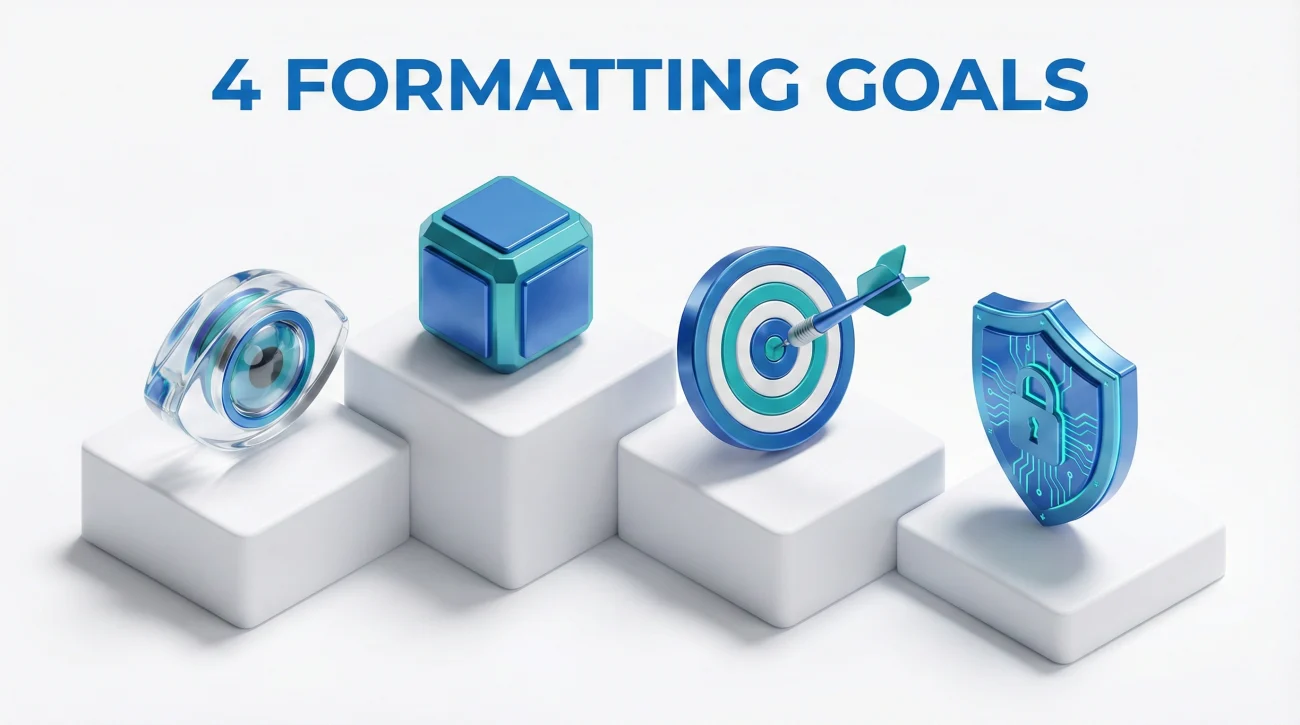
Every gap-friendly layout must achieve these four objectives simultaneously. Missing any one of them undermines the others:
📋 Clarity. Your timeline should be immediately understandable. Recruiters spend seconds on initial scans. If they cannot quickly grasp your career progression, they move on.
🔒 Stability. Your format should signal reliability, not chaos. Creative layouts, excessive formatting, or unusual structures suggest you are trying to distract from something.
🎯 Relevance. Your most important qualifications should be prominent. The gap should be acknowledged but not be the visual focus of the document.
🤖 ATS Safety. Your resume must parse correctly in Applicant Tracking Systems. A beautiful PDF that turns into garbled text in an ATS database helps no one.
The three blueprints below achieve all four goals while handling gaps differently. Choose based on your specific situation and gap characteristics.
Blueprint A: Chronological with Gap Line
Best for: Gaps under 18 months, clear reason you can state briefly, strong recent experience before and after the gap
This is the most straightforward and widely accepted approach. Standard reverse-chronological format with a single line acknowledging the gap period.
PROFESSIONAL EXPERIENCE
Senior Product Manager | TechCorp | January 2024 – Present
• Led cross-functional team of 8 on mobile app redesign…
• Increased user retention 23% through feature optimization…
Career Break | June 2022 – December 2023
Family caregiving responsibilities – resolved
Product Manager | StartupCo | March 2019 – May 2022
• Owned product roadmap for B2B SaaS platform…
• Launched 3 major features generating $2M ARR…
Why it works: The gap is visible and clearly explained. No hiding, no tricks, no creative formatting that raises suspicion. Recruiters see a clear timeline and understand immediately what happened during that period. The brief explanation prevents speculation while the surrounding work experience remains the visual and substantive focus.
Format rules:
- Gap entry uses same date format as other roles
- Keep gap description to one line maximum
- Do not add bullets under gap entry unless you have legitimate activity to list
- Position gap chronologically where it belongs in timeline
Blueprint B: Selected Experience
Best for: Long career with older gaps, multiple short gaps, gaps that fall in less relevant early career
This approach uses “Selected Experience” or “Relevant Experience” as the section header, signaling that you are showing highlights rather than complete history.
SELECTED EXPERIENCE
Senior Product Manager | TechCorp | January 2024 – Present
• Led cross-functional team of 8 on mobile app redesign…
• Increased user retention 23% through feature optimization…
Product Manager | StartupCo | March 2019 – May 2022
• Owned product roadmap for B2B SaaS platform…
• Launched 3 major features generating $2M ARR…
Associate Product Manager | BigCorp | June 2015 – February 2019
• Managed feature backlog for enterprise clients…
EARLIER CAREER
Product roles at [Company A] and [Company B], 2010-2015
Why it works: “Selected Experience” creates legitimate expectation that not everything is shown. Gaps in early career disappear into the “Earlier Career” summary. Recent gaps still need addressing, but older ones become non-issues.
Format rules:
- Use “Selected Experience” or “Relevant Experience” header
- Recent 10-15 years should be detailed
- Older experience can be summarized in one line
- Be prepared to discuss full history if asked
- Do not hide recent gaps (last 5 years) with this method
Blueprint C: Projects Section for Continuity
Best for: Gaps filled with freelance, volunteer, or project work; career changers; anyone with legitimate activity during gap
This approach adds a Projects or Consulting section that shows professional continuity during what might otherwise look like dead time.
PROFESSIONAL EXPERIENCE
Senior Product Manager | TechCorp | January 2024 – Present
• Led cross-functional team of 8 on mobile app redesign…
Product Manager | StartupCo | March 2019 – May 2022
• Owned product roadmap for B2B SaaS platform…
CONSULTING & PROJECTS | June 2022 – December 2023
Product Strategy Consultant | Various Clients
• Advised 3 early-stage startups on product roadmap development
• Conducted user research project for nonprofit education platform
Professional Development
• Completed Google Product Management Certificate
• Contributed to open-source project management tool
Why it works: The gap period is filled with legitimate activity. Instead of explaining why you were not working, you are showing what you were doing. This transforms a liability into evidence of initiative.
Format rules:
- Only use if you have real activity to show
- Do not inflate minor activities into major projects
- Keep descriptions honest and verifiable
- Position section chronologically or after main experience
- Use “Consulting,” “Projects,” or “Independent Work” as header
Combining Blueprints
You are not limited to one approach. Complex situations may benefit from combining elements:
Chronological + Projects: Use Blueprint A for your main experience section with a gap line, then add a Projects section showing what you did during the gap. This works well when you had some activity but not enough to fill the entire gap period.
Selected Experience + Gap Line: Use “Selected Experience” header to condense old history, but still include a gap line for recent breaks that need acknowledgment. Best for long careers with both old irrelevant gaps and recent explained gaps.
Projects as Bridge: If your gap involved career change preparation, your Projects section can serve as a bridge between old-field experience and new-field applications. The gap becomes a transition period rather than empty time.
The key is consistency within your document. Whatever approach you choose, apply it uniformly so the resume reads as a coherent document rather than a patchwork of different strategies.
When to Use Each Blueprint
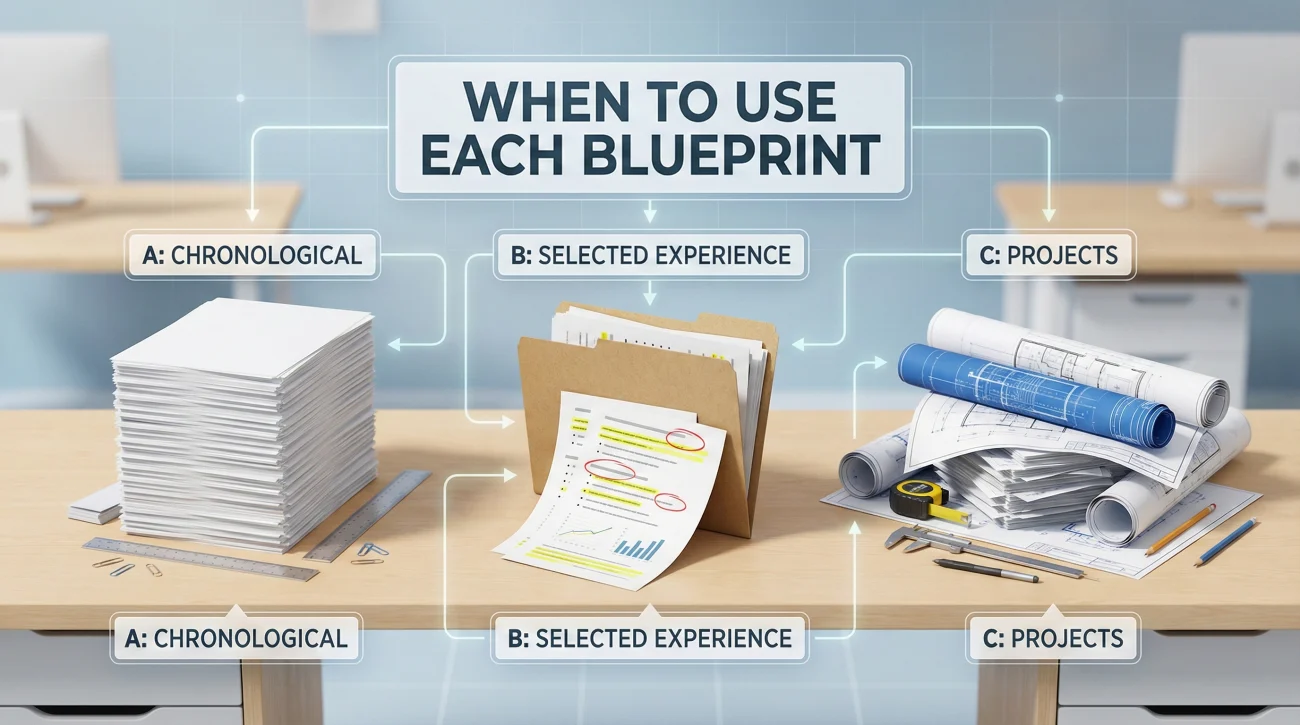
This decision table helps you match your situation to the right approach:
| Your Situation | Best Blueprint | Why |
|---|---|---|
| Single gap under 18 months, clear reason | A: Chronological + Gap Line | Straightforward, nothing to hide |
| Gap is 10+ years ago | B: Selected Experience | Old gaps become irrelevant in summary |
| Multiple short gaps throughout career | B: Selected Experience | Reduces visual clutter of multiple entries |
| Did freelance/consulting during gap | C: Projects Section | Shows continuity and initiative |
| Completed certifications during gap | C: Projects Section | Transforms gap into professional development |
| Career change with gap | C: Projects Section | Bridge work shows commitment to new field |
| Recent gap, no activity during | A: Chronological + Gap Line | Honest acknowledgment is best approach |
| Gap due to health/family, now resolved | A: Chronological + Gap Line | Brief explanation prevents speculation |
ATS Do-Not List

These formatting choices break ATS parsing and create problems regardless of which blueprint you use. Avoid all of them:
🚫 Tables for layout. ATS systems read tables cell by cell, often scrambling your content. What looks organized to humans becomes chaos in the database. Use simple line breaks and spacing instead.
🚫 Multiple columns. Two-column layouts confuse most ATS parsers. Content from different columns gets merged incorrectly. Stick to single-column format for body content.
🚫 Headers and footers. Many ATS systems ignore header and footer content entirely. Do not put your contact information only in the header – it may disappear.
🚫 Text boxes. Content in text boxes often gets skipped or extracted out of order. Use normal paragraph formatting instead.
🚫 Creative date formatting. “Q3 2022,” “Fall 2023,” “Mid-2021” do not parse reliably. Use standard Month Year or MM/YYYY format that machines can read.
🚫 Symbols and special characters. Bullets are fine (•), but unusual symbols (★, ➤, ◆) may not render correctly. Keep it simple.
🚫 Images or graphics. ATS cannot read images. Logos, headshots, or graphical elements are invisible to the parser and waste space.
🚫 Unusual section headers. “My Journey” instead of “Experience” or “Value Delivered” instead of “Skills” may not be recognized. Use standard headers that ATS expects.
💡 Safe format: Single column, standard fonts (Arial, Calibri, Times), clear section headers, Month/Year dates, simple bullets, no tables or graphics. Boring works.
Format Supports Your Story
The right resume formatting options for employment gaps do not hide your history – they present it clearly while keeping focus on your qualifications. Choose the blueprint that fits your situation: chronological with gap line for straightforward recent gaps, selected experience for older or multiple gaps that clutter your timeline, projects section when you have genuine activity to show during the gap period.
Keep formatting simple enough for ATS systems to parse correctly. Avoid tables, columns, creative date formats, and unusual section headers that confuse machines. Let your experience be the story, not your layout tricks. A clean, honest resume that parses correctly beats a creative design that falls apart in the ATS database.
❓ FAQ
🎯 Should I use a functional resume to hide gaps?
No. Functional resumes that lead with skills and bury dates at the bottom are widely recognized as gap-hiding tactics. Most recruiters view them with suspicion and many ATS systems do not parse them well. Use chronological or hybrid formats instead.
📝 Can I use year-only dates to obscure gap length?
Use cautiously. Year-only dating (2022-2024) for all roles is acceptable but may prompt questions. Using year-only selectively for gap periods while using month-year elsewhere looks like deliberate hiding. Be consistent.
💼 What file format should I use?
Submit .docx unless specifically asked for PDF. Most ATS systems parse Word documents more reliably than PDFs. If you must use PDF, ensure it is text-based (not a scanned image) and test it by copying text to see if it transfers correctly.
🔍 How do I test if my resume is ATS-friendly?
Copy all text from your resume and paste it into a plain text document. If the text appears in logical order with all information intact, your resume will likely parse correctly. If content is scrambled, missing, or out of order, simplify your formatting.
⚠️ Disclaimer: ResumeSolving provides resume, cover letter, and job search communication guidance for informational purposes only. It is not legal, medical, financial, or professional counseling advice. Hiring decisions vary by company, role, location, and individual circumstances, so we do not guarantee interviews, offers, or outcomes. Always use your own judgment, verify requirements directly with the employer, and follow local laws and workplace policies. When a situation is sensitive, we prioritize privacy-safe, recruiter-appropriate wording, and you never need to share personal details you are not comfortable disclosing.